Disclosure: This post may contain affiliate links, meaning if you decide to make a purchase via my links, I may earn a commission at no additional cost to you.
Disclosure: This article contains affiliate links, which means that if you click on one of the links, I’ll receive a small commission. This helps support my business and allows me to continue to make this helpful content. Thank you for your support!
I recently tuned into a fantastic presentation “Canva Create: Work Redesigned“, and let me tell you, I was blown away!
From stunning design capabilities to groundbreaking AI tools, Canva has outdone itself (again). If you’re a digital creator like me, especially selling on Etsy, you need to hear about these latest changes.
Let’s dive into key takeaways and how you can utilize these updates for your digital product business.
Canva: A Game Changer for Digital Creators
For years, I’ve been leveraging the power of Canva to create and sell digital products on platforms like Etsy. It’s been an absolute game-changer for me as a digital creator.
I started by creating and selling Canva templates themselves, but quickly realized the potential to use it for so much more. From printables and planners to social media graphics and marketing materials, Canva has become my secret weapon for crafting professional-looking digital products with ease.
What sets Canva apart is its user-friendly interface and powerful AI tools. Even if you’re not a design whiz, you can create stunning visuals that look like they were made by a pro. And with Canva’s business-centric features, you can streamline your workflow and take your digital product game to the next level.
Why Canva is a Must-Have Tool
Ease of Use: Canva’s intuitive interface means you don’t need to hire a professional designer. Even as a beginner, you can quickly produce high-quality designs.
AI Tools: Canva has integrated AI into various aspects of the platform, making it easier to create, edit, and collaborate. Trust me, these tools will make you feel like a creative superhero.
Versatility: Whether you’re making logos, product labels, or marketing materials, Canva has everything you need to grow your digital product business.
Introducing Canva’s Latest Features: A Comprehensive Look
The Glow Up: An Enhanced User Experience
Canva has always been user-friendly, but they’ve just given the interface a ‘glow up.’ The platform now offers a more streamlined experience, which means you can focus on what matters most: creating stunning designs. The new quick-action toolbar and one-click Background Remover are just a couple of the highlights.
Fresh Look: New Homepage
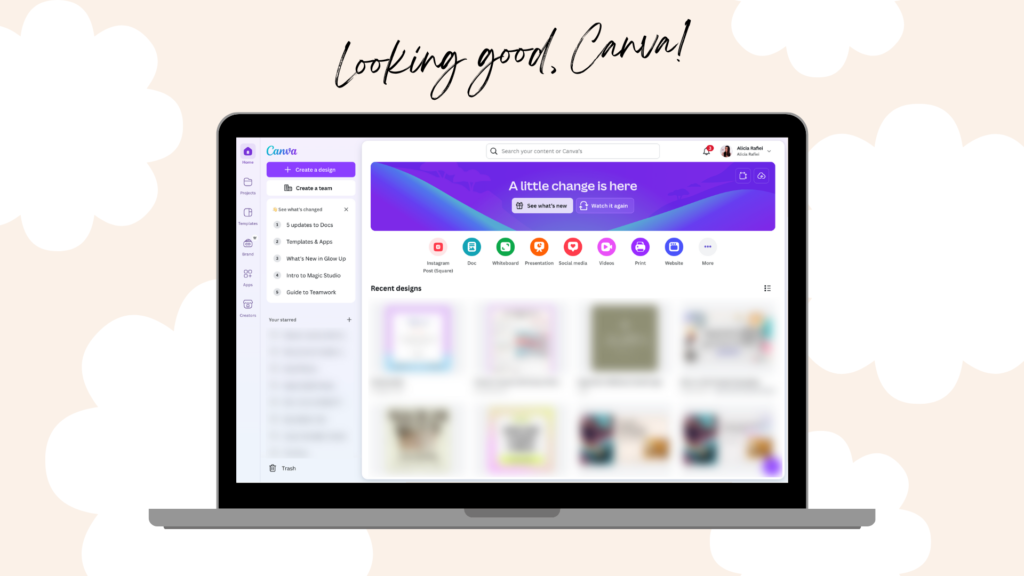
The Canva homepage has received a sleek makeover. While it retains the same familiar look and feel, there are some noticeable enhancements:
- Search Options at the Top: Finding templates and assets is more straightforward with search options conveniently located at the top.
- Magic Design: Describe your design with more than five words to get more personalized template suggestions.
- Create a Design Button: This has been relocated to the left-hand side for easier access.
- Sections for Easy Access:
- Adding Files/Folders: Drag and drop frequently used files and folders into sections.
- Deleting Sections: Removing a section won’t delete the files; it simply clears the temporary holding area.
- Star Items and Recent Designs: Quickly access your most-used items and recent projects, maintaining your workflow efficiency.
- Brand Kits Section: Access your brand kits easily, a boon for users who manage multiple brands.
Stepping Up the Game: New Design Window
The design window has seen significant improvements, offering a cleaner, more intuitive experience.
- Cleaner Look and Feel: The interface has been streamlined, making it more user-friendly.
- Floating Toolbar:
- Appears When an Element is Selected: This feature provides instant access to formatting options like font, animation, and position.
- Full Menu on the Right Side Panel: All additional features, such as effects and positions, now pop out to the right, making it less cluttered.
- Thumbnail View for Creating Videos:
- Duration and Transitions: Easily switch to a video timeline to add transitions and animations between pages.
Bulk Create: Scale Your Marketing Efforts
Canva’s new Bulk Create feature is a game-changer. Imagine being able to generate hundreds of on-brand designs with just the touch of a button! You simply fill a spreadsheet or CSV with your messaging iterations, and Bulk Create does the rest. This is perfect for scaling your marketing efforts without compromising on quality.
Ad Tech Integrations: Streamline Your Advertising
Canva has partnered with major ad platforms like Google, Amazon, and Meta. Now, you can design, optimize, and even publish ads directly from Canva. This integration simplifies the advertising process, making it quicker and more efficient.
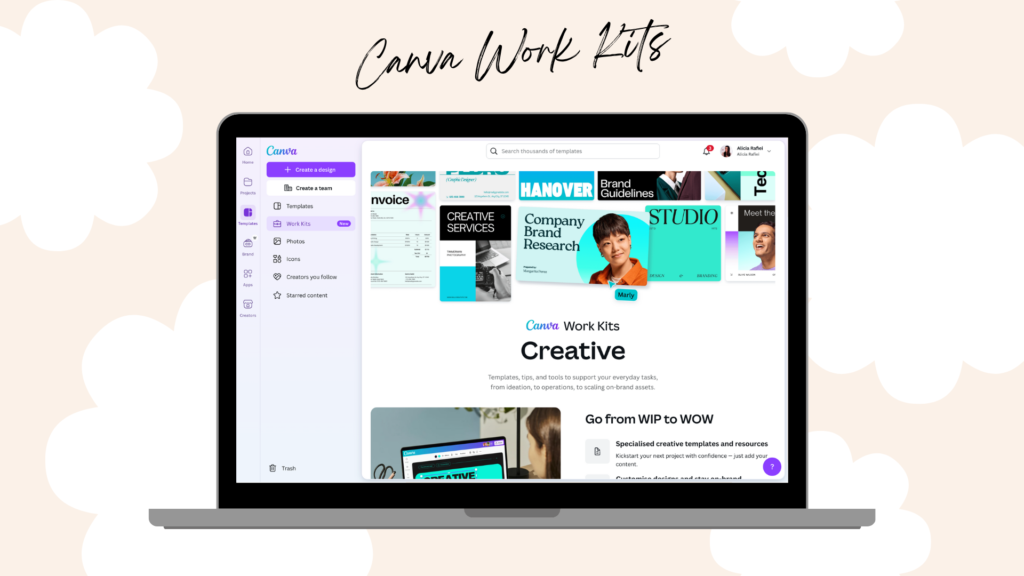
Work Kits: Templates for Every Business Need
Canva has introduced Work Kits, curated sets of templates designed for various business functions. Whether it’s campaign strategies, content calendars, or user personas, Work Kits do the heavy lifting for you. These templates are easy to customize, making your workflow smoother and more efficient.
- Pre-Built Templates: Find templates tailored for various roles like Marketing, Sales, HR, and more.
- Brand Kit Integration for Layouts and Styles: Apply your brand’s colors and fonts seamlessly across templates, ensuring consistency.
- Integration with Project Management Apps: Connect with tools like Asana, Monday.com, and Slack to streamline your workflow.
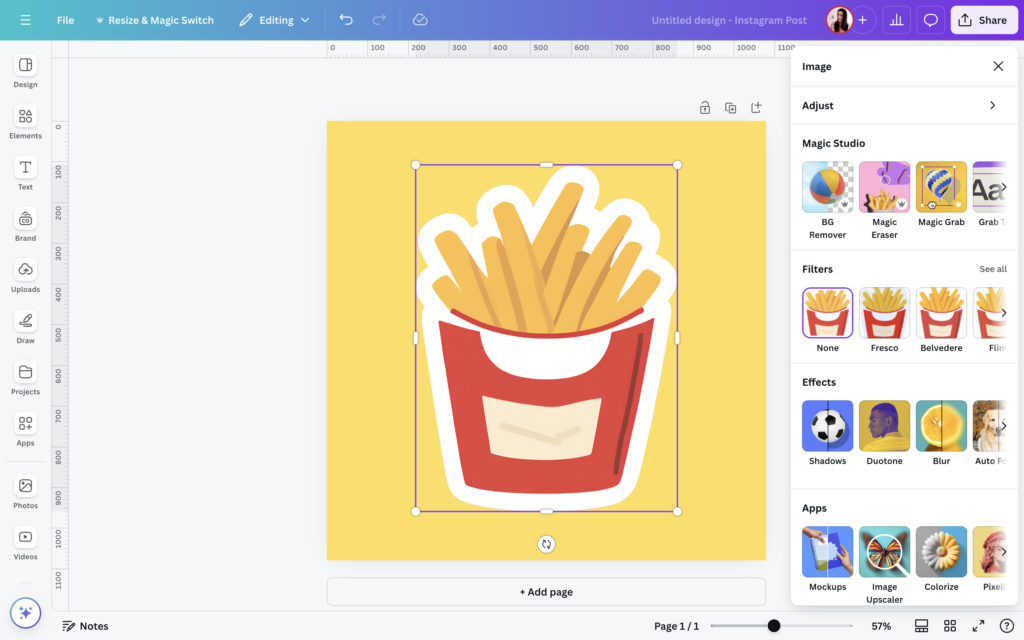
Enhanced Image Editing
Canva’s image editing capabilities have been revamped.
- New Pop-Out Toolbar: Offers more accessible options for image tweaks.
- Magic Studio: Dive into advanced effects and animations more comfortably with new pop-outs and organized tools.
Style Match: Taking Customization to the Next Level
The Style Match feature is a game-changer for branding.
- Brand Templates: Apply text, colors, elements, or even the full style from your brand templates with ease. This feature saves time and keeps your designs on-brand.
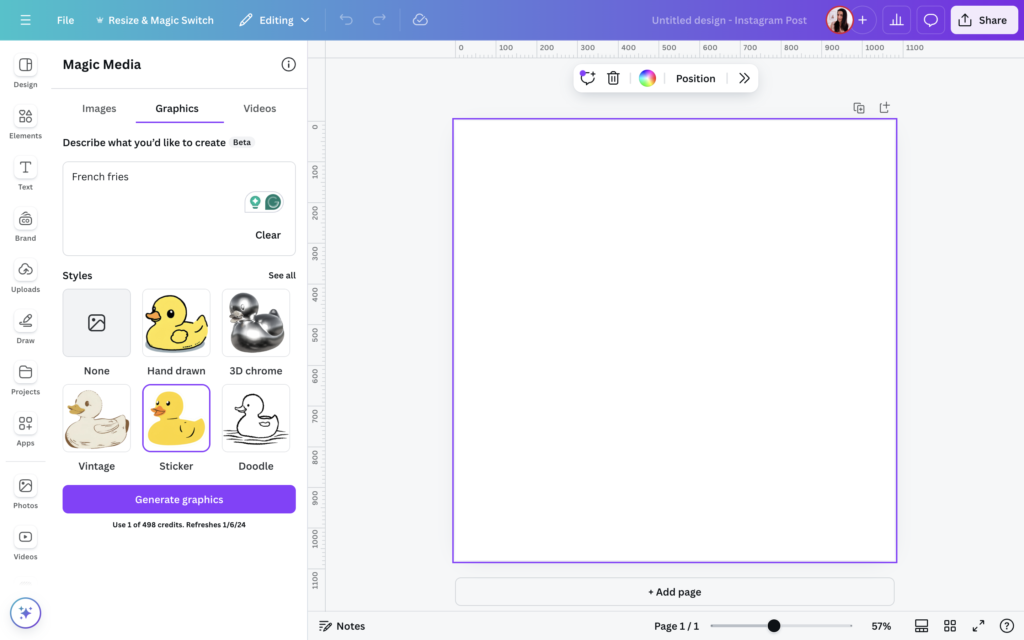
Magic Media and Magic Write
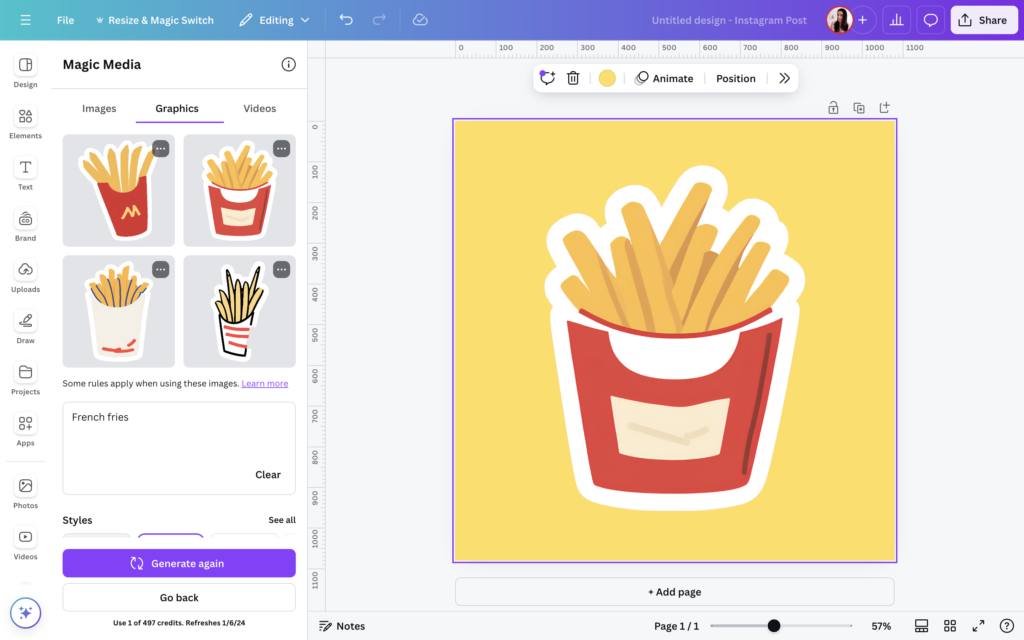
With Magic Media, you can now create polished video mockups and images effortlessly. Meanwhile, Magic Write lets you integrate your brand’s voice seamlessly into any design, saving you hours in content creation.
The AI image generator in Magic Media is a fantastic addition to creating unique elements.
- AI Image Generator:
- Graphics and Elements Creation: Generate eye-catching graphics and elements using AI, with various styles to choose from.
Canva Docs Updates: More Than Just Text
Numerous updates to Canva Docs make it a formidable tool for creating digital products.
- Magic Write Voice Customization:
- Train AI with Sample Text: Personalize Magic Write to mimic your writing style, making AI-generated text sound just like you.
- Highlight Blocks:
- Colored Blocks for Notes, Warnings, etc.: Make important information stand out with customizable highlight blocks.
- Suggestions Mode: Enable collaborative editing by tracking suggested changes, akin to the track changes feature in Word.
- Column Layouts: Organize your content into two, three, or four columns, with adjustable spacing.
- Page Breaks: Insert page breaks to structure your document efficiently.
- Outline View: Navigate through your document effortlessly using the new outline feature.
Video Editor: Streamlined and Powerful
For video creators, Canva continues to excel with handy new features.
- Auto Trim and Highlights: Automatically selects the best parts of your video, trimming away the unnecessary bits.
- Enhanced Voice: Removes background noise, enhancing the clarity of your audio.
Magic Studio Updates: Even More Magic
Magic Studio is more powerful than ever with these exciting updates:
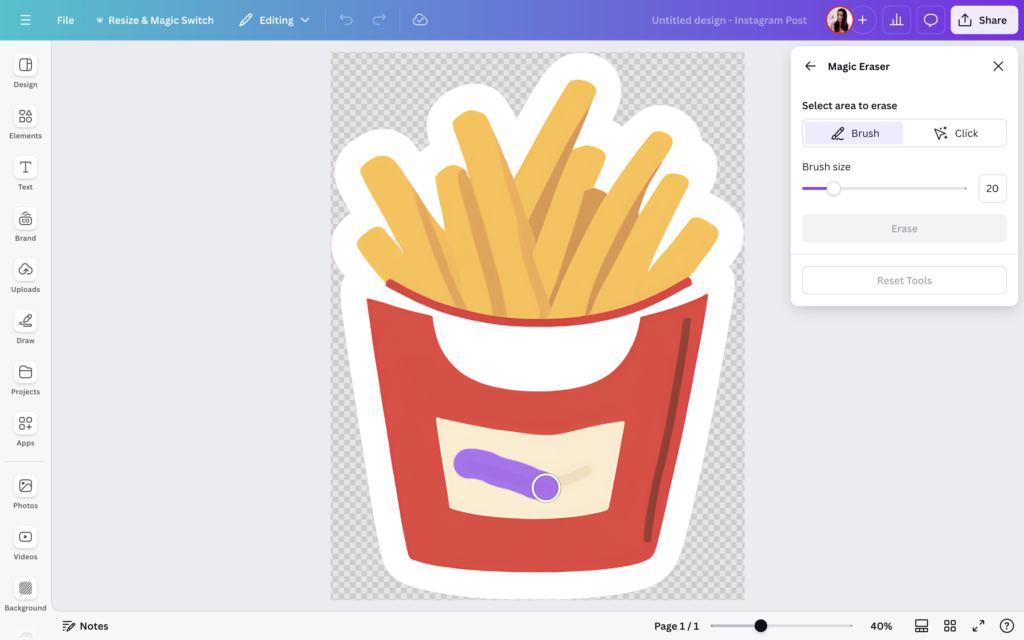
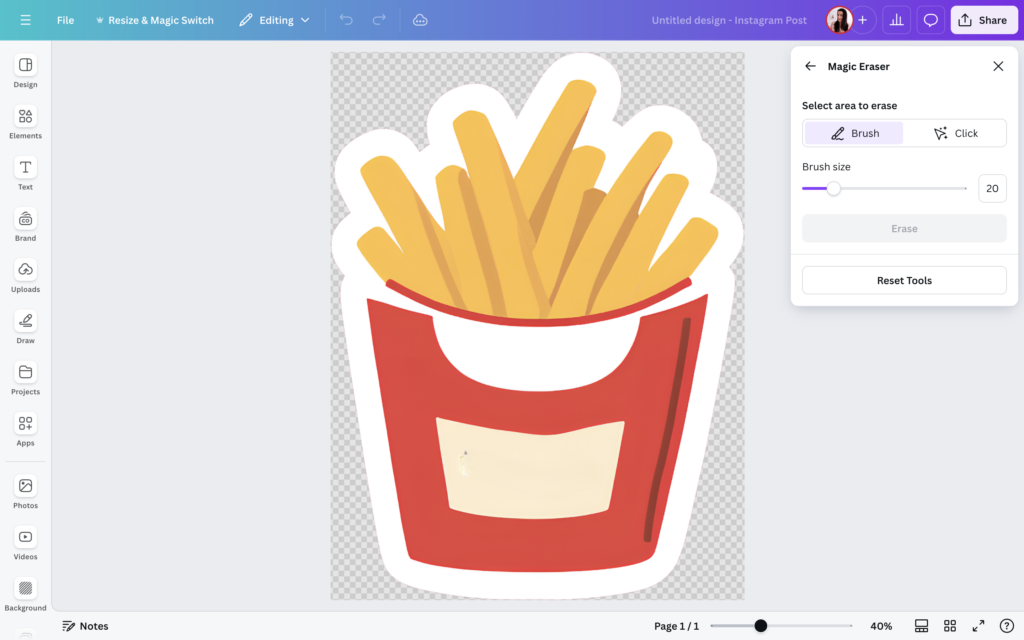
- Magic Grab: Isolate objects from images effortlessly.
- Magic Grab Text: Select and edit specific text within images.
- Blend App: Seamlessly blend objects into backgrounds using AI.
- Resize and Magic Switch: Transform designs into different formats – from presentations to social media posts, and more.
Recordings: Reach Your Customers Anytime
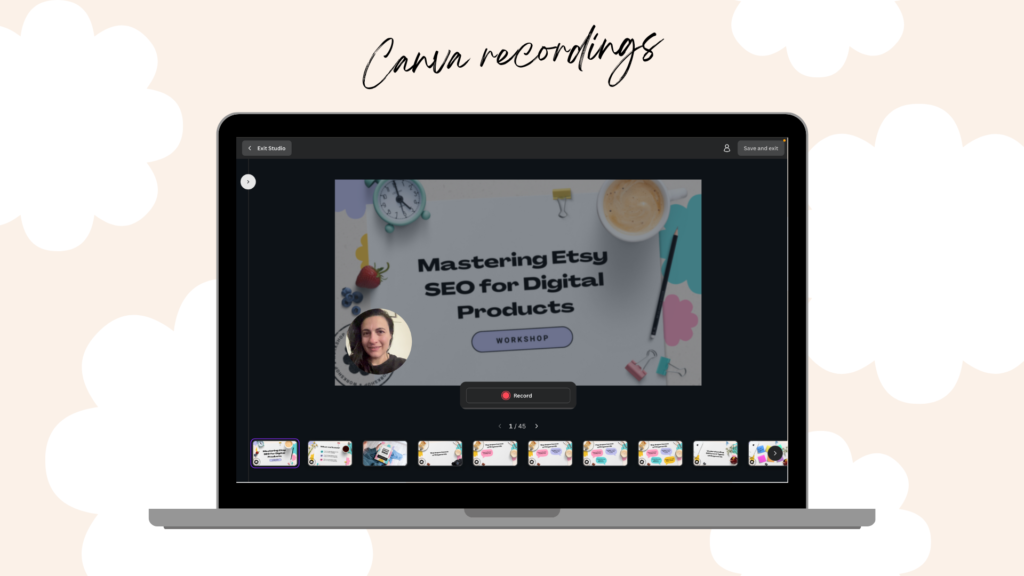
With Recordings, you can narrate presentations, videos, or product demos, adding voiceovers to your designs. This feature helps you reach customers across different time zones and schedules, ensuring your message gets across effectively.
Creative Empowerment with Affinity
Canva has acquired Affinity, a beloved company among creative professionals. Affinity brings powerful tools like Affinity Photo and Affinity Designer, offering advanced editing capabilities without the steep learning curve. This acquisition aims to democratize design, making professional-grade tools accessible to everyone.
A Sustainable Future
Canva is committed to creating a positive impact. From planting trees for every printed item to developing community solar energy projects, Canva aims to give back more than it takes. This mission aligns beautifully with the platform’s goals of empowering people and the planet.
Embrace the Future of Digital Creation with Canva
With the latest features and updates, creating digital products with Canva has never been easier, more effective or exciting. Whether you’re an individual Etsy seller or part of a larger organization, Canva’s innovative tools are here to boost your creative journey. Imagine how much simpler your design processes could be and how quickly your productivity could skyrocket.
Start your journey with Canva Pro now by clicking my affiliate link to access a 30-day free trial and discover the difference it can make for your digital product shop.