Disclosure: This post may contain affiliate links, meaning if you decide to make a purchase via my links, I may earn a commission at no additional cost to you.
If you’ve been selling on Etsy or thinking about launching digital products online, you’ve probably heard this advice before…
“Start your email list as soon as possible.”
And honestly? They’re right.
An email list is one of the most powerful tools you can build for your business, because it’s yours. You don’t have to fight an algorithm, you don’t have to pay for reach, and you don’t have to stress about a platform suddenly changing the rules.
It’s your space to connect, build trust, and keep in touch with the people who already love what you create.
When I first started my digital product journey, I was relying 100% on Etsy’s search and Pinterest traffic. It worked… for a while. But as my shop grew, I realised I wanted more control over how I reached my customers. I wanted to connect beyond the “cha-ching” notification.
To actually build relationships with people who resonated with my work.
That’s when I started my email list using Flodesk, and it completely changed how I run my business.
Grab The Email Setup Guide Inside The Digital Creator’s Collective
If you’ve been meaning to start your own email list but feel totally overwhelmed by where to begin, I’ve got you covered.
Inside The Digital Creator’s Collective, you’ll find my brand-new Email List Setup Guide, created in partnership with Flodesk.
It’s a complete, step-by-step guide to help you:
💌 Create and customise your Flodesk account
🌿 Design your opt-in form and first workflow
✨ Write your 3-part welcome sequence using ChatGPT Co-Creator Prompts
🎨 Build a reusable email template you can duplicate anytime
🌸 Send your first email, without the tech stress
You’ll also get access to all my ChatGPT writing prompts, and extra walkthroughs inside the free community classroom.
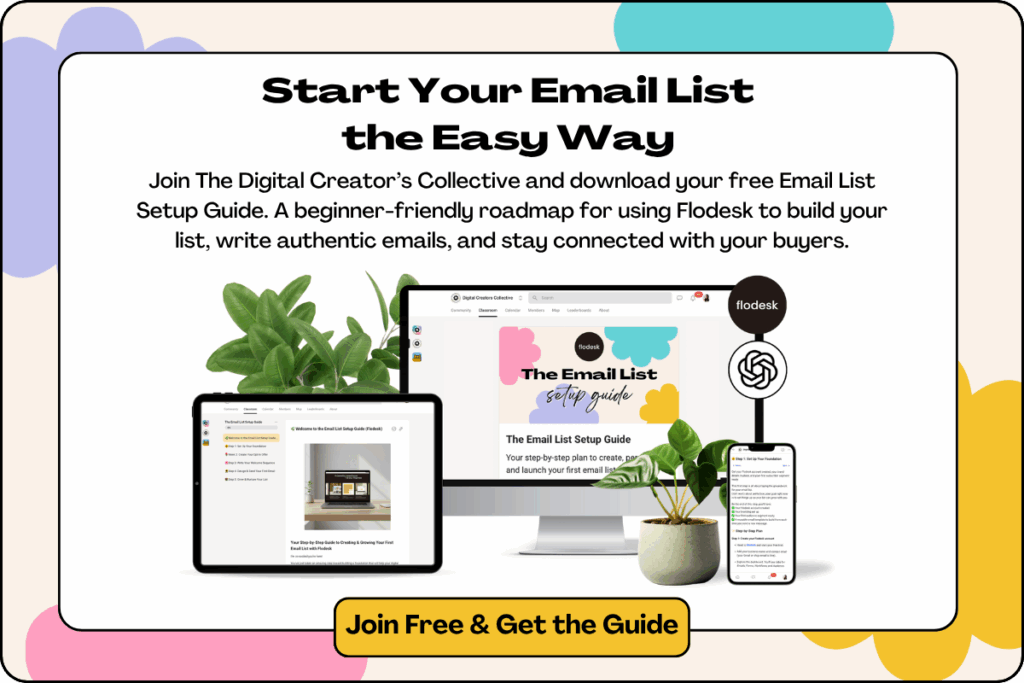
👉 Join The Digital Creator’s Collective for free to download the guide and start building your list today.
Now, let’s talk about why your email list matters so much (and exactly how to set it up).
Why You Need an Email List
Let’s be real, Etsy is amazing for discovery, but it’s not built for long-term connection.
When someone buys a digital product from your shop, the relationship often ends there. But what if you could stay in touch with that customer, share updates, new releases, and helpful resources, all directly in their inbox?
That’s where your email list comes in.
Here’s what makes it so powerful:
- You own it. No one can take your list away. Not Etsy, not social media.
- You can stay top of mind. Regular emails keep your audience connected and engaged.
- You build trust and loyalty. When people get to know you, they’re far more likely to buy again (and again).
- You can launch new products with ease. A warm email list is the most reliable launch tool you’ll ever have.
How to Get Etsy Shoppers to Sign Up
Here’s the thing: most people won’t just hand over their email address for fun. You have to give them a reason. A small, simple exchange of value.
Think of it like a digital thank-you gift.
Here are a few ideas that have worked for me and my students:
- 🎁 Offer a discount code (10–30% off is a great starting point).
- 🖨️ Give away a free printable that complements your paid products.
- 📘 Share a mini guide or checklist (like “5 Ways to Style Your Art Prints”).
- 💌 Create a free email series or mini-course, even 3–5 short emails can build trust.
When I first started, I offered a free printable quote as a thank-you for joining my list. It was quick to create, matched my shop’s aesthetic, and helped customers see more of my work.
That one freebie grew my list faster than anything else.
Where to Promote Your Email List on Etsy
You can’t directly collect email addresses inside Etsy, but you can lead people to your signup page from a few strategic places.
Here’s where I recommend adding your opt-in offer:
- Your shop banner or announcement Add a line like “Sign up for 20% off your first order. Link below!”
- Your product descriptions Include your opt-in link at the bottom of your listings (just write out the full URL since Etsy doesn’t make external links clickable).
- Your message to buyers When someone purchases a product, use the confirmation message to thank them and invite them to download a free printable or guide.
- Inside your digital downloads Add a simple PDF insert with a link to your freebie or resource page.
- On social media and your website Link your freebie in your bio, your Pinterest pins, or a dedicated landing page.
The key is to make it easy and natural, not pushy. Frame it as a helpful resource that adds value to what they already love.
How to Encourage Signups (What’s Worked for Me)
When I sold art prints on Etsy, I included a bonus “thank you” printable in the download folder that invited customers to grab another matching piece for free by joining my list.
It worked beautifully because it felt generous and genuine.
They were already in a creative mindset, so signing up for more designs felt natural.
You could do the same with:
- A mini set of digital stickers or icons
- A sample planner page if you sell planners
- A small SVG file if you sell cutting files
The trick? Keep it relevant and make it feel like a natural next step, not a sales pitch.
What to Send to Your Subscribers
Okay, so you’ve got people signing up. Now what?
Don’t overthink it, your goal is to stay connected and provide value.
Here are a few easy ideas to start with:
- Share new product launches or seasonal collections
- Announce special discounts or sales
- Offer behind-the-scenes peeks of your creative process
- Share tips and ideas that complement your products (like styling guides or how-to’s)
- Ask for feedback or ideas for future designs
When I first started, I sent a short weekly email sharing one design I’d just added to my shop, with a small story behind it. It felt personal, not salesy.
And it worked. People replied, shared photos, and told me what they wanted to see next. That’s when I realised… your email list isn’t just marketing. It’s a conversation.
Choosing the Right Email Platform
There are lots of email tools out there, but after trying several, I always come back to Flodesk.
Here’s why:
- The templates are absolutely beautiful, no design degree required.
- It’s incredibly beginner-friendly (no messy menus or tech overwhelm).
- One flat-rate price, no surprise fees as your list grows.
- It integrates easily with your website, shop, or lead magnet.
If you’re ready to start, head to Flodesk and grab their free trial.
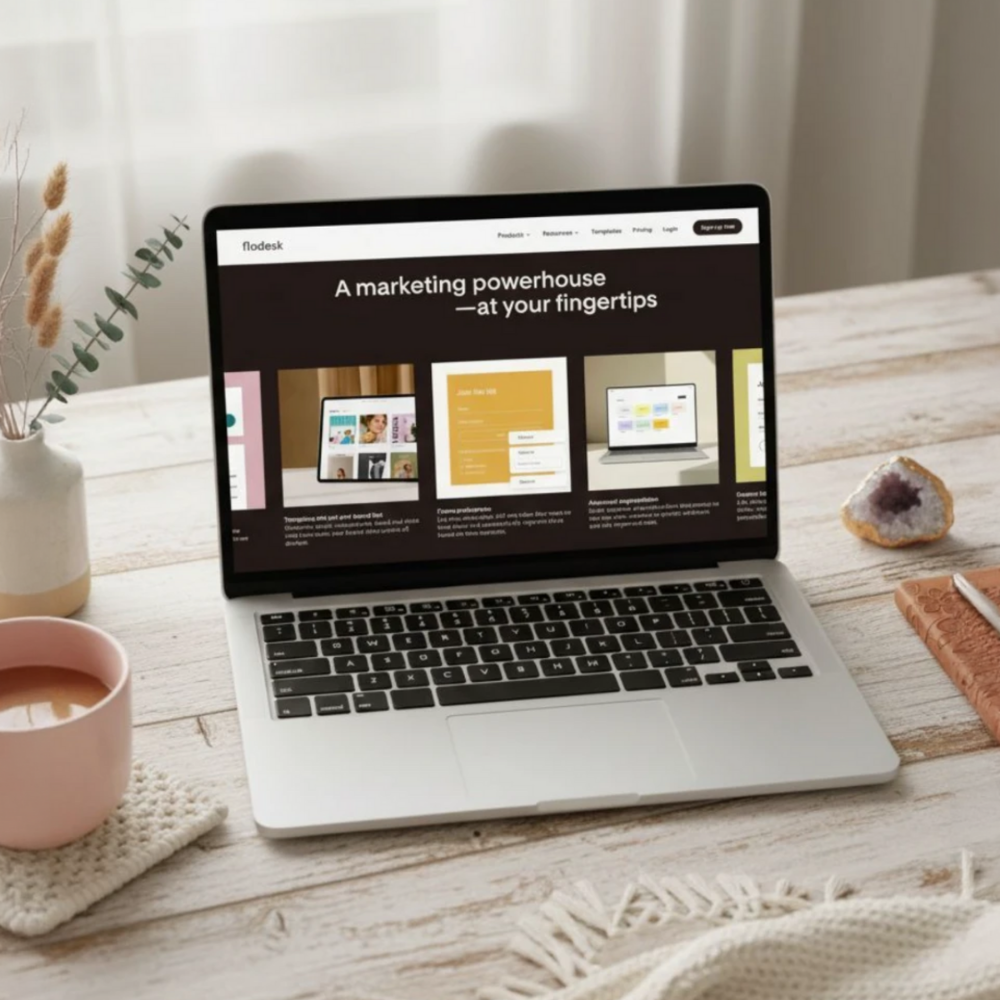
Step-by-Step: How to Start Your Email List with Flodesk
Step 1: Set Up Your Foundation
Create your Flodesk account, add your branding, and set up your first audience segment (like “Shop Subscribers”).
📘 Need help? Flodesk’s guide on getting started walks you through every click.
Step 2: Create an Opt-In Form
Design a signup form where people can join your list, this can live on your website, Etsy announcement, or a dedicated landing page.
You can offer a discount, a freebie, or even a simple “Join for new product drops” message.
👉 Use Flodesk’s article on creating a form if you need a visual guide.
Step 3: Set Up Your Workflow
Once someone joins your list, you’ll want to send an automated welcome email (or a short series) that thanks them, delivers their freebie, and introduces you.
✨ Flodesk makes this easy with automated workflows — you can even include a follow-up a few days later.
Step 4: Create a Reusable Email Template
Design one clean, branded email template you can duplicate each time you send something new. Add your logo, colours, and footer — then save it as your default layout.
📘 Flodesk’s guide on sending weekly emails will help you keep things simple and consistent.
Step 5: Send Your First Email
Once your form and workflow are set up, send your very first “real” email!
Keep it friendly and short, maybe a little hello, an update on your shop, or a small win you’d love to share.
Remember, it doesn’t have to be perfect. What matters most is showing up and being genuine.
The Email List Setup Guide (Free Inside the Collective!)
If you want to skip the guesswork and follow the exact steps I use, you’ll love the Email List Setup Guide inside The Digital Creator’s Collective.
This written guide includes:
🌿 Step-by-step instructions to set up your email account
💫 ChatGPT Co-Creator Prompts to help you write your emails, opt-in copy, and subject lines
🌸 Flodesk tutorial links for forms, workflows, and weekly emails
👉 Join The Digital Creator’s Collective to access the full guide (for free!) inside the Classroom area.
Start Building Your Email List Today
Starting an email list for your Etsy shop doesn’t have to be complicated, and it doesn’t have to feel like another big “to-do.”
You’re simply inviting people who already love what you create to stay connected and be the first to know what’s next.
It’s one of the easiest, most powerful ways to grow your shop and build something sustainable beyond Etsy’s algorithm.
So don’t wait until you have hundreds of sales, start now, with what you have. Even if it’s just one person on your list, that’s someone who chose to keep hearing from you.
That’s worth everything 😊