Disclosure: This post may contain affiliate links, meaning if you decide to make a purchase via my links, I may earn a commission at no additional cost to you.
So, you want to start a side hustle that’s simple, low-cost, and doesn’t eat up all your free time.
And you keep hearing about printables, but maybe you’re still wondering if selling little digital files like meal planners or trackers on Etsy could really work.
Well, I’m here to show you it’s not just possible, it’s far easier than you think, and I’ll walk you through the exact steps, tips, and tricks to get started (even if you have zero design skills).
Get ready to see why printables are the side income shortcut so many are searching for right now.
Why Printables Are the Perfect Entry Point for Any Digital Side Hustle
What Are Printables? Why Are They So Popular?
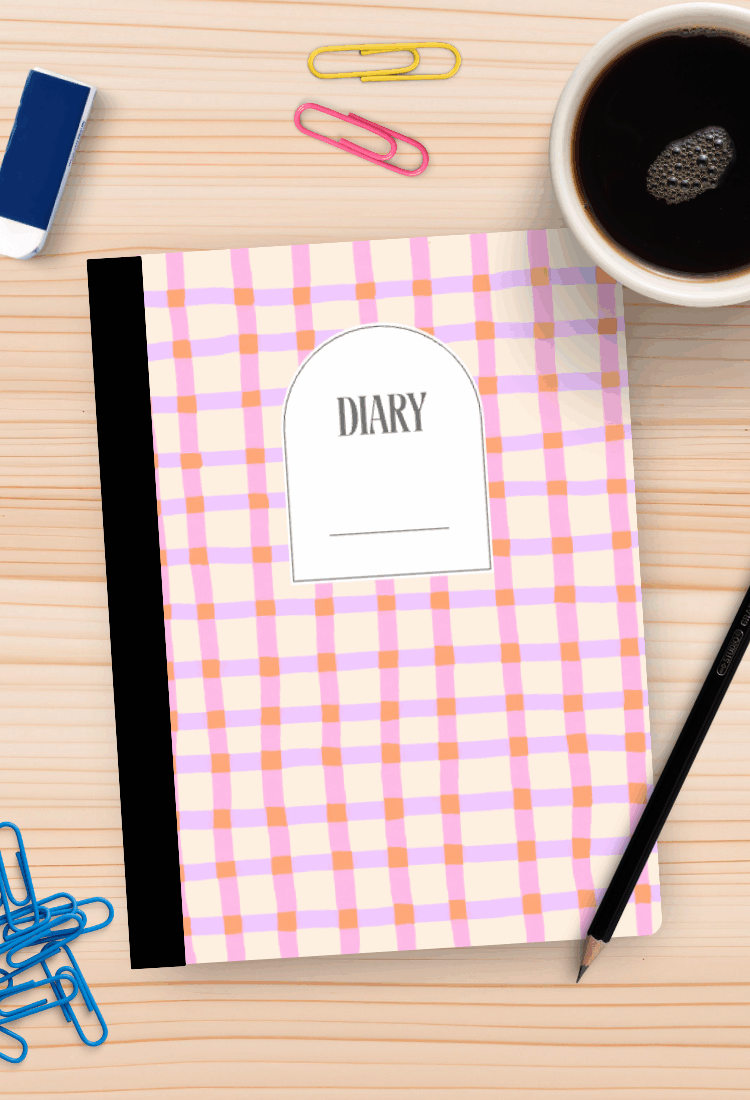
Printables are digital files you create once and sell countless times. Think simple: planners, trackers, habit journals, colouring pages, kids activities, or even wall art. Buyers download, print at home, or use them digitally. No postage. No running to the post office. No boxes taking up your spare room.
Not only do you skip the hassles of inventory and shipping, but you also don’t need to be a designer or “tech whiz” to make them. Tools like Canva let anyone drag and drop text or shapes into a great-looking layout. All you need to do is spot what people are searching for and fill that need with a tidy, helpful product.
Here’s why so many people love selling printables:
- Create once, sell forever (no ongoing work unless you want to update your products)
- Zero inventory or shipping (your files deliver to customers instantly)
- Works for total beginners (no special skills required)
- Taps evergreen demand (folks always need planners, lists, trackers, and art)
- Solves real problems (people love tools that help them stay organised, save time, or plan better)
Real Earnings: The $7,000/Month Printable Planner Shop
I know some might roll their eyes at the idea of “easy money on Etsy”, but my own research with EverBee (my go-to Etsy research tool) floored me. I found an Etsy shop quietly banking over $7,000 a month from minimalist planner printables.
Yes, that’s $7,000 every month for digital downloads they created once. Their secret? They’re not focusing on flashy designs or complicated features. They make simple, easy-to-use digital planners that actually help people organise their lives. Think weekly meal planners, goal trackers, and to-do lists.
People buy because these printables make life feel easier. The simplicity keeps customers coming back for more, and it lets the shop owner get paid again and again (often without lifting a finger after listing the product).
Why Do Printables Sell So Well?
- Super easy to make: Canva gives you free templates and design tools so you can start straight away.
- Low effort, high reward: You upload your file to Etsy, and it gets delivered instantly when someone pays. No packaging, no returns, no drama.
- Evergreen demand: Whether it’s a January reset or back-to-school time, people search for planners, trackers, meal organisers, and kids activities all year round.
- Solves actual problems: Products that help someone get organised or save time are an easy sell.
These are the reasons printables are often the first win for so many digital creators—myself included. When I first started selling digital products, my confidence grew with every sale. Printables helped me see “people really do want what I make” and opened the door to bigger projects like courses, workshops, and templates later on.
How to Find the Printables that Actually Sell: Doing Your Homework with EverBee
What’s EverBee? Your Shortcut to Etsy Research
If you don’t want to get lost in trial and error, EverBee is a clever tool that helps you peek behind the curtain of Etsy. It shows you what’s selling well, how many sales top listings get, and the best keywords buyers are searching for.
I use it to spot trends, see earnings estimates, and grab real data before I waste time designing a printable. You can find out more about EverBee here.
Quick Research Example: Meal Planner Printables
Let’s take a real example. Searching “meal planner printable” on Etsy using EverBee, I found:
- Multiple shops with hundreds of sales per month
- Top sellers pulling in anywhere from $1,000 to $7,000 each month
- Consistent search demand for these keywords:
- weekly meal planner
- printable meal tracker
- family meal planner
Here’s a quick summary table:
| Keyword | Monthly Sales Estimate | Typical Earnings (Top Sellers) |
|---|---|---|
| weekly meal planner | 100+ | $1,000–$7,000 |
| printable meal tracker | 80–200 | $800–$2,000 |
| family meal planner | 50–150 | $600–$1,500 |
This shows buyers are hungry for practical, visually pleasing tools that make meal planning less of a headache.
Takeaways for You
If you want to succeed, start with research. Find the Etsy printables buyers are already paying for. Use those keywords in your own titles, tags, and descriptions. It’s like fishing where the fish already swim—so much easier than guessing.
Canva Walkthrough: Creating a Minimalist Meal Planner Printable Step-by-Step
Ready to make your first product? Let’s cover, step by step, how to design a meal planner printable in Canva that’s not only stylish but also easy for customers to use.
Setting Up Your Canva Workspace
Start by heading over to Canva. Create a new design sized for US Letter (8.5 x 11 inches). This is one of the most popular planner sizes, but think about offering others (like A4, A5, or even “half letter”) for maximum customer reach.
Tip: The more sizes you include, the more buyers you’ll attract. Some folks put all sizes in one listing, others sell them separately. It’s up to you.
Mapping Out Your Layout
A meal planner should be simple, clear, and easy to use. Try this layout:
- Header at the top: “Weekly Meal Planner” so buyers know exactly what the printable is
- Left side: Days of the week listed vertically, Monday through Sunday
- Table layout: Columns for “Breakfast,” “Lunch,” “Dinner,” “Snacks”
- Right side: Generous shopping list section, so people can jot down what they need as they plan
- Optional: Add a “notes” section at the bottom if you want
If you’re a visual learner, sketch it on paper first. Imagine your printable sitting on someone’s kitchen bench—what would make their week smoother?
Building Your Table Step-by-Step
- Insert a table: In Canva, use the “Elements” tab and search for “table.” Drag it onto your canvas.
- Columns and rows: Add enough columns for your categories: one for the weekday labels, then four for “Breakfast,” “Lunch,” “Dinner,” and “Snacks” (five columns in total).
- Rows: Make one header row plus seven for each day of the week (eight rows total).
- Label the columns: At the top, write your meal categories.
- Label the rows: Vertically list “Monday” through “Sunday” along the left side. To make days vertical, rotate your text boxes 90 degrees.
- Adjust sizing: Resize the columns and rows to keep everything readable but not cramped.
- Fonts and formatting: Start with simple, clear fonts. Change sizes for clarity; for example, set label font sizes to 9 pt for minimalism.
Shortcuts: Command + D (or Control + D on Windows) quickly duplicates text boxes or shapes. This saves loads of time.
Adding a Grocery List Section
- Draw a box for your list: Use the “Elements”–> “Shapes” tool for a rectangle. Set the fill to a very light grey for a gentle minimalist vibe.
- Heading: Above the box, add “Shopping List” or “Groceries.”
- Checklist lines: Drop in circles and dotted lines inside the box to let users tick items as they shop. You can duplicate these for speed, then use Canva’s “position” and “tidy up” feature to align them perfectly.
- Colours and borders: Use soft lines, not harsh black. Try keeping border thickness at 2 pts, and make lines a gentle grey.
Getting That Minimalist, Modern Look: Typography & Polish
- Fonts: Choose a soft serif or a crisp sans-serif for a calm, uncluttered vibe.
- Advanced settings: In Canva, set your letter spacing to 100 for extra breathing room.
- Liatures: Some fonts look fancier if you use Canva’s new “liatures” option—it joins certain letters together for unique style. Try toggling this and see what suits.
- Palette: Want something different than grey? Try gentle beige or muted earthy tones. The simpler, the better—let your planner feel calm and inviting.
Final Touches: Download Settings and Variations
Here’s how to prepare your file:
- Go to Share > Download
- Save as PDF Print for the best quality
- If your printable uses colour, choose the CMYK colour profile
- Download and save to your computer
For best results, export versions sized for US Letter, A4, A5, or other common planners. The more you offer, the more customers you can reach.
How to List and Optimise Your Printable on Etsy for Maximum Sales
Using Your Keyword Research in Listings
Remember the research from EverBee and Etsy? Use those popular keywords everywhere you can: titles, tags, and product descriptions. This boosts the odds of being found in search and helps buyers quickly see you have what they need.
Here’s a sample list of keywords to use:
- meal planner
- weekly meal planner
- meal plan template
- grocery list printable
- family meal planner
- editable meal planner
Write your title so it flows nicely for humans, but make sure you capture those top searches.
Creating Standout Mockups
Your printable needs a great first impression. Buyers can’t touch or test your product first, so show it “in use”: printed out on a tidy desk, filled in with real handwriting, or styled with a pen and a coffee cup nearby.
You don’t need fancy gear. Use a phone camera, find a free mockup generator, or buy a few mockup photos if you want to look polished. The key is helping people imagine your printable in their real life.
Let Etsy Do the Heavy Lifting
Once your listing is live, Etsy delivers the files automatically. This means every time someone buys, you earn money without doing a thing. One printable can bring in sale after sale—all from a file you designed once. That’s the beauty of digital products.
Next Steps: Grow Beyond Your First Printable
Take It Further With the E-Printables Course (Plus an Exclusive Bonus)
Ready to go from “side hustle experiment” to a real income stream? If you want every step mapped out, check out the E-Printables Course by Julie & Cody. It’s helped thousands of beginners start and scale their own printable businesses on Etsy.
And when you join the course through my link, you also get 12 months of free access to my Creator’s Growth Club (worth $300). This gives you not just the complete roadmap, but ongoing templates, training, and a supportive community to keep you going.
Tap Into Free Resources and Community Support
You don’t have to go it alone. Join my Digital Creator’s Collective to get new product ideas, templates, and reminders every week to keep you inspired and moving forward.
Check out the Creator’s Growth Club membership for even more step-by-step help and strategy.
You’ll also find more tools and resources at my digital product shop.
Try It Now: Your Action Plan
- Search Etsy using a keyword like “meal planner” or “budget tracker”
- Fire up EverBee to see what’s actually selling and note down winning keywords
- Open Canva and build your first simple printable (don’t overcomplicate it)
- Focus on helping real people with real needs (like organising their week)
- If you want to speed up your success, grab the e-printables course and the free membership bonus
Printables have completely reshaped the side income world for thousands—I’ve seen this firsthand. If you’re looking for something simple, flexible, and beginner-friendly, it’s hard to find a better path to your first digital sale.
What’s Next: More Printable Ideas and Ongoing Support
Hungry for more inspiration? In my next video, I’ll be sharing even more printable ideas you can create and sell—including niche options and fresh trends for the coming year. If you want to discover high-demand digital product ideas that go beyond meal planners, you won’t want to miss it.
Don’t forget to subscribe to my YouTube channel or follow this blog for more friendly, real-world tips, walkthroughs, and encouragement. Thanks so much for reading—and for being here as part of this creative journey. I can’t wait to see what you make!
Ready to give it a go? Let me know in the comments what kind of printable you’ll create first!